
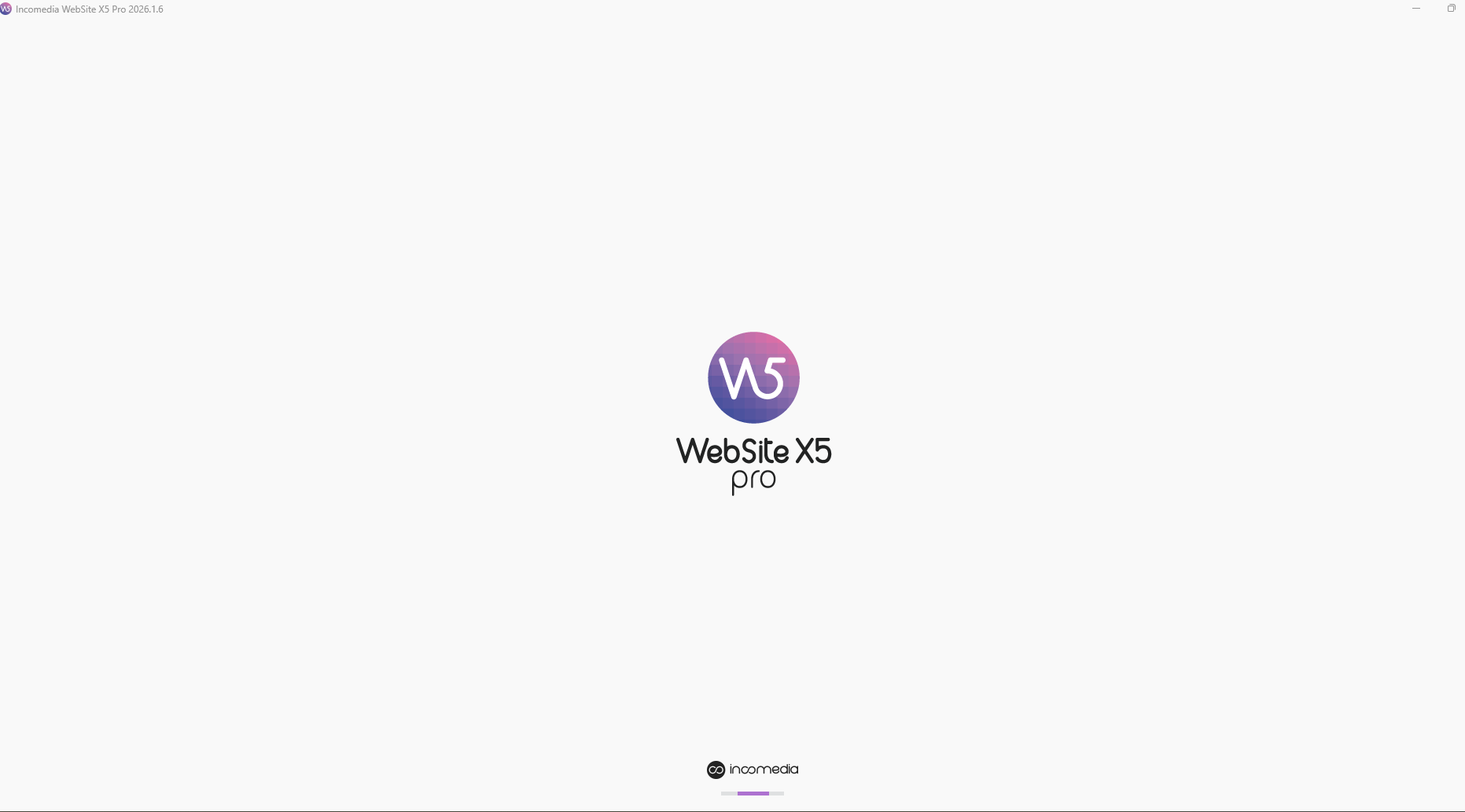
Website x5 pro 2026.1.6 doesnt open 
Autore: Orhan Akcicek
Visite 792,
Followers 1,
Condiviso 0
Hello new version 2026.1.6 version not open even reinstalled
Postato il
See also this post
-----
X5 pro wont open
...
The problem is solved thanks to the removal of the Windows security update KB5083769 from April 16, 2026.
>> https://helpcenter.websitex5.com/it/post/276308
-----
Autore
One PC is working another is not working
Autore
here is the update history
This security update is apparently causing problems for some users and computers.
-----
Hello Orhan,
I am sorry about the issue, unfortunately as mentioned by Daniel this security update is causing issues when starting the software with certain configurations.
We are investigating the matter, for the time being I can only recommend uninstalling this security update and temporarily suspending further updates to avoid it being automatically reinstalled soon afterwards.
I remain available.
Autore
Dear Eric,
This problem continues in one of my Laptops. One is working fine, but the other still has a problem.
When I check security updates as above, all done. BUt still doesn't work.
Can you find a solution?
I uninstalled and installed Website x5
Thanks
Orhan
Hello Orhan,
we included a fix for this issue in version 2026.1.8, currently out as a Beta.
It will be released soon for all users, but if you want to access it early you can enable beta versions for your licence here in the Help Center
and download the installer here:
https://static.incomedia.eu/websitex5.com/v2026.1/2026.1.8.0/wsx5_pro.exe
Autore
Dear Eric
Thank you very much. I downloaded the beta version and worked.
Hello
I tried to install the latest vesion 2026.1.8. It still doesn't work. When the installation seems to be near completed the intallation window freezes. But the program appears among the installed apps. When starting it it runs as a service only and is to no help.
Hello,
please go ahead with a clean reinstall with the steps below.
The folders to be deleted with these steps usually do not contain any projects, that by default are stored at C:\Users\YourUsername\Documents\Incomedia\WebSite X5 - Pro, but you can check their contents to make sure of this.
1) Uninstall the software normally, from the Windows panel.
2) Go to the path C:\Users\YourUserName\AppData\Local\Incomedia and delete the folder corresponding to your version of the software (it should be WebSite X5 – Pro).
3) Go to the path C:\Program Files and, if it is present, delete the folder corresponding to your version of the software (it should be WebSite X5 – Pro)
4) Do the same at the path C:\Users\YourUsername\AppData\Local\Programs, deleting the folder WebSite X5 – Pro if present.
5) Restart the PC.
6) With VPN (if you use one), antivirus and firewall temporarily disabled, run as admin the installer you can find here: https://static.incomedia.eu/websitex5.com/v2026.1/2026.1.8.0/wsx5_pro.exe
Make sure that WebSite X5 is set as an exception for VPN/antivirus/firewall afterwards, so that it is possible to leave them active when using the software.
I remain available.
Thank you! Now the installation process goes further. But it stops before it is complete. The welcome window freezes...
Hello,
do you mean you cannot interact with it, or does the installer crash or something similar?
If you cannot properly interact with it because of the visual issue, please use the TAB button on your keyboard and you should be able to choose the fields and interact with them.
You can accept the terms and conditions by pressing Spacebar after selecting it with TAB, for example.
I remain available.
Thank you, now it works!