
How to edit Blog main page fonts? 
Autor: Mandar V.
Visitado 820,
Seguidores 1,
Compartilhado 0
Dear WX5 masters,
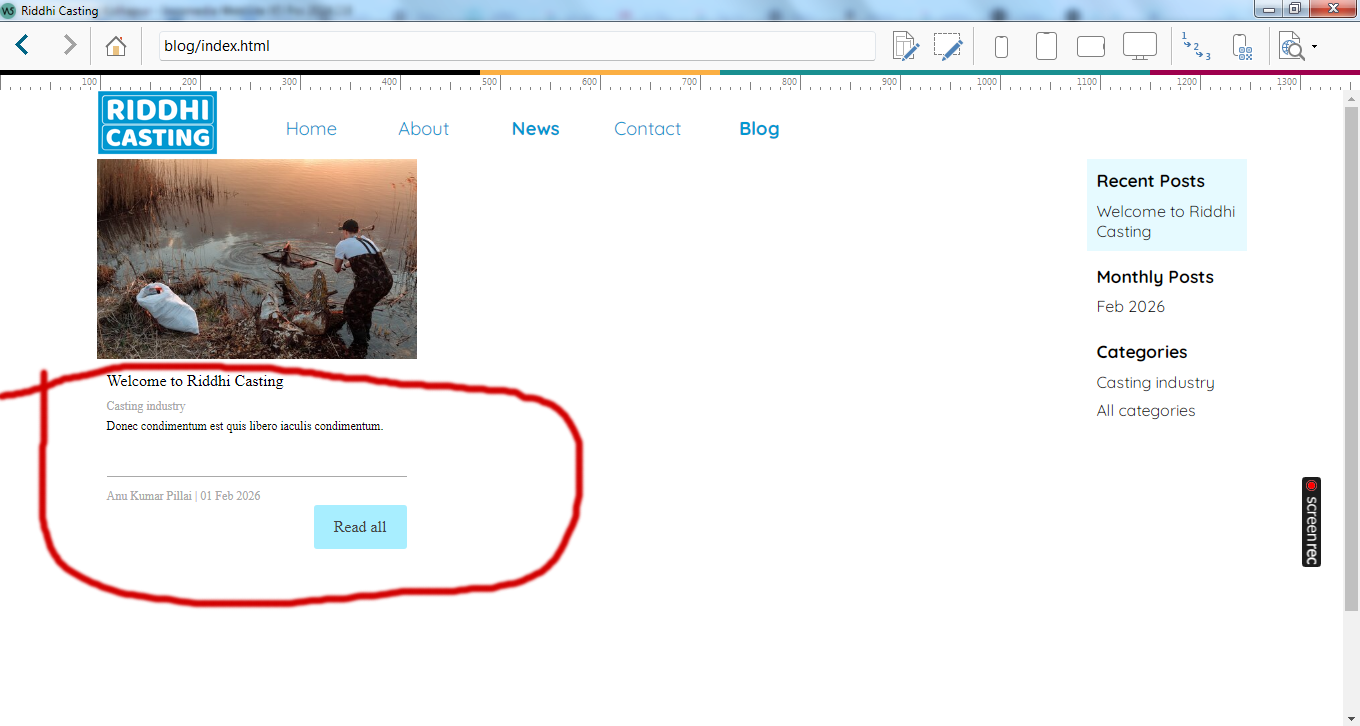
Please guide me how to edit Blog main page fonts?
Screenshot attached here with -
Publicado em
Hello Mandar,
Just checked he quide with words like blog and layout;
https://guide.websitex5.com/en/support/solutions/articles/44000528343-how-to-define-the-layout-of-the-blog-home-page-
Use the pulldowns in the section to create a different style:
Just a positive meant tip Mandar,
Look at the website through the eyes of the customer, don't use to many effects on items, these things that can also makes a customer lose attention to the information you really want them to see.
Keep also in mind that these take time on a normal pc no problem on newer mobile's also not but on older with smaller inertnet bandwidth you may lose people.
So look at it from customer view, not from view like look what i can do as a creator.
If you use animations then do it because you want extra attention to them, then the website will be more effective and more pleasant to read.
Use the guide for questions, there are also a lot of tips tricks and guides on youtube;
https://www.youtube.com/@incomedia
Goodluck just hoping to help you a little bit more.
But it's offcource all to you if you like it then create it as you wish offcource.
BR Andre
Autor
Thanks dear Andre E.
Will follow your instructions & suggestions here onwards. But today I just want to know, how to change these fonts.
Regards
Mandar
In WebSiteX5 under "3 Sitemap" mark "Blog: Main page" at the bottom of the special pages and click on "Edit" at the top, then the window with the settings appears and the fonts can be selected there.
----- Screenshot -----
Autor
Thank you dear Daniel W.
Thank you for your continued support. But I deleted 'Blog Widget' from home page. Because it is not working as per expetitions. No fonts are changing.
Regards
Does “Blog Widget” mean this object?
There are the same font settings here as in “Blog: Main Page”, see screenshot
Did the second post not help?
After making the change, it's best to click on "Preview" at the top while holding down the Ctrl key and wait until the progress bar at the bottom has run all the way through, this will cause the pages to be rebuilt.
Then do a complete export of the website to the Internet, not just the updated data.
In the browser, use the Ctrl + F5 key combination to retrieve the files from the web server so that no files from the browser cache are displayed.
In my test it worked with this object, see