
Inloggen na nieuwe Windowsinstallatie. 
Author: John Pelzer
Visited 543,
Followers 1,
Shared 0
Goedemiddag..
Weet iemand waarom ik niet in kan loggen na een nieuwe Windows installatie. Het inlogscherm is heel klein. Kan geen tekst tikken in de tabbalkjes.
Mijn laptop heeft een resolutie van 2880 x 1800
Als ik een andere resolutie instel dan heeft dat geen invloed.
Heb een afbeelding mee gestuurd.
Met vriendelijke groet,
John Pelzer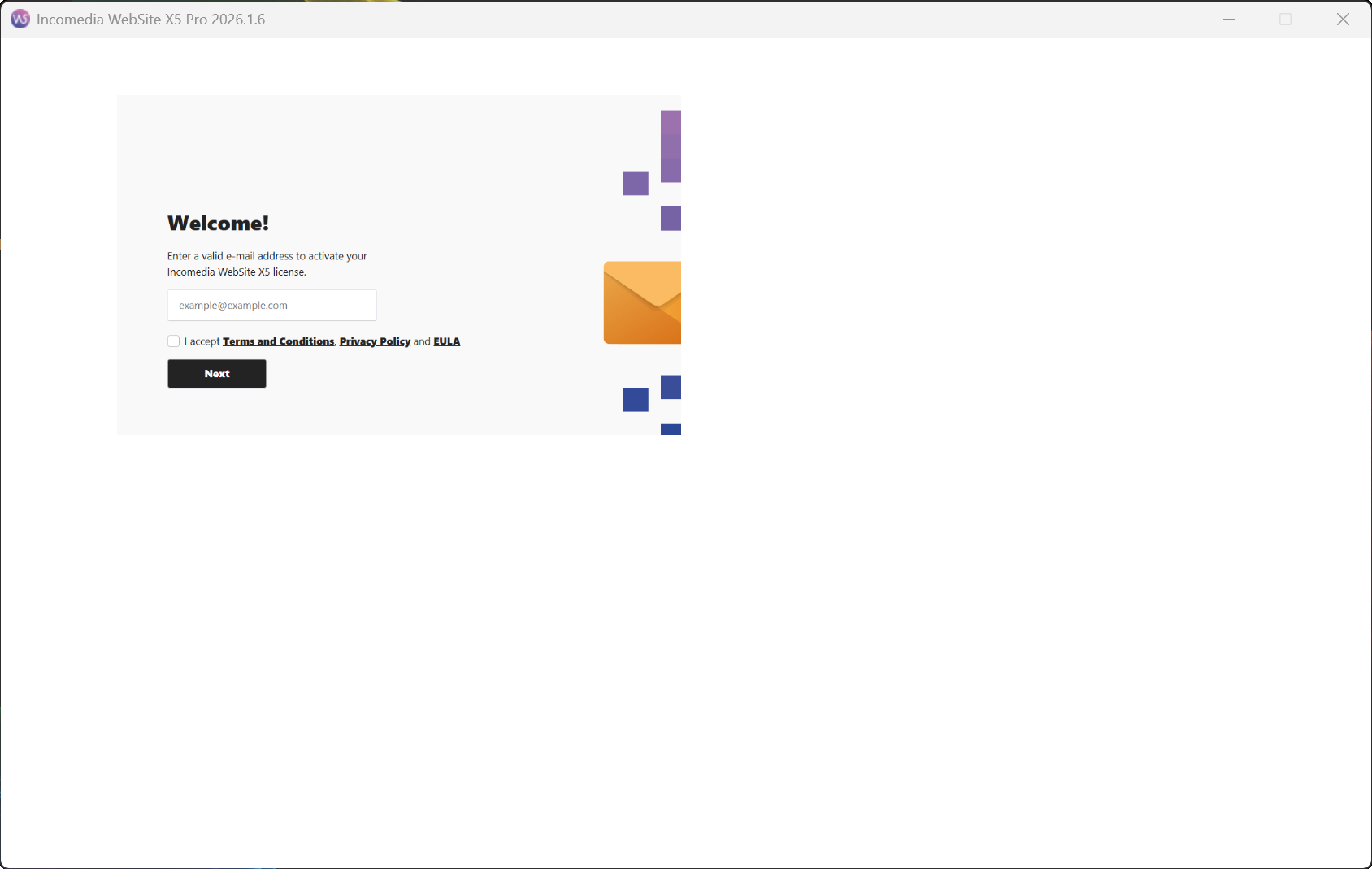
Posted on the
Hello John,
I am sorry about the issue, we will be releasing a fix for this soon, in the meantime please try again after changing the scale/zoom level in your Screen settings, or use the previous installer and later update to 2026.1.6:
https://static.incomedia.eu/websitex5.com/v2026.1/2026.1.5.0/wsx5_pro.exe
I remain available.
Online translation:
Hallo John,
het spijt me voor het probleem, we zullen hiervoor binnenkort een oplossing uitbrengen. Probeer in de tussentijd opnieuw nadat je de schaal/zoominstelling in je scherminstellingen hebt aangepast, of gebruik de vorige installer en werk later bij naar versie 2026.1.6:
https://static.incomedia.eu/websitex5.com/v2026.1/2026.1.5.0/wsx5_pro.exe
Ik blijf beschikbaar.
Author
I'm having trouble logging in, Eric. I can enter the login details in the tab bars, but I get an error message when I try to log in with my password. See attachment. If I try with an OTP code, I don't receive an email with 6 digits.
John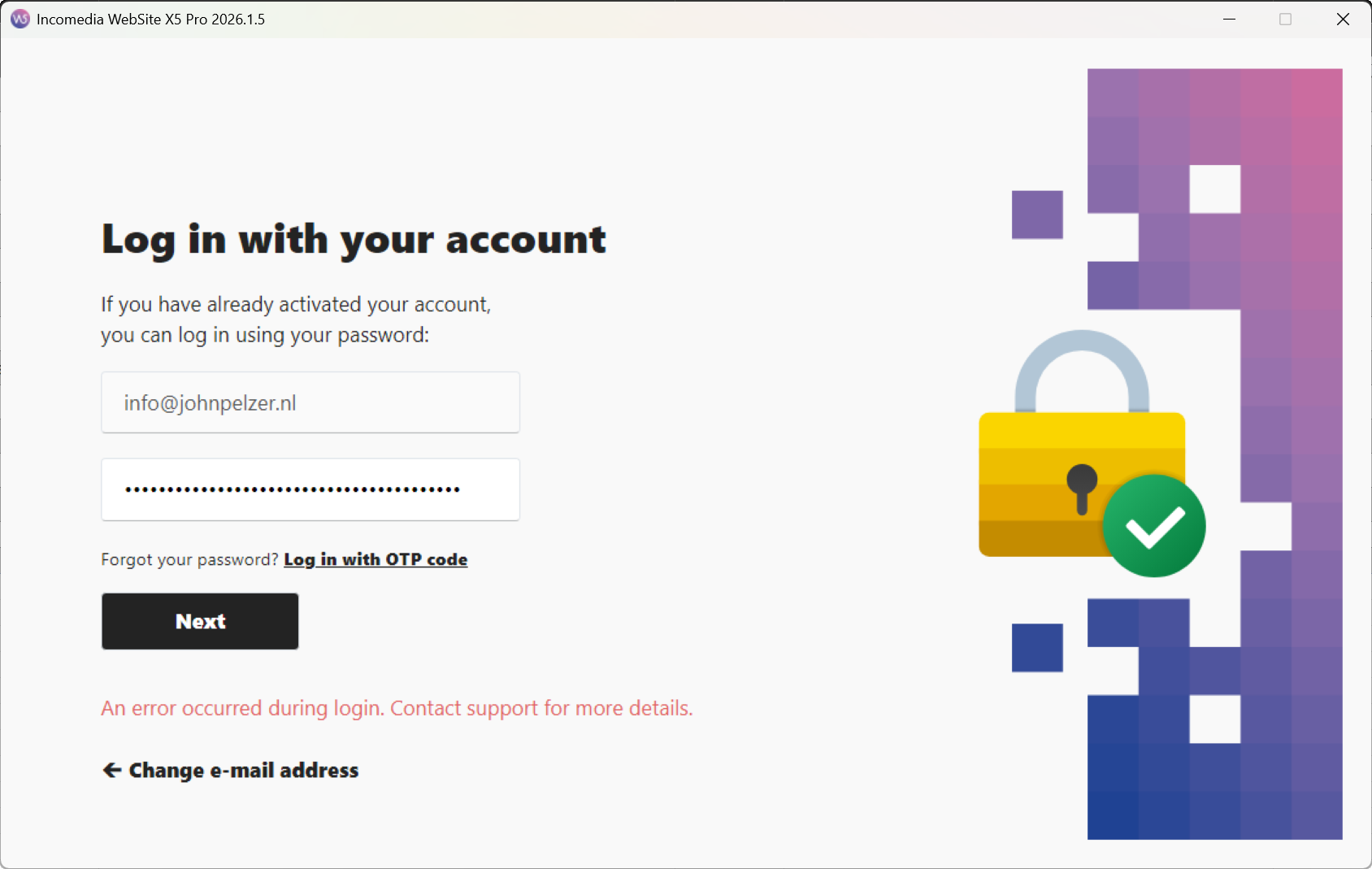
Hello John,
are you using the same password you use to log into the Help Center?
Could you check your spam in case the code was mistakenly delivered there?
I remain available.
Author
No emails in my spam box, Eric..
I do indeed use the same password for logging into the software and the help center. I have always done it this way. Never had any problems with it.
Hello John,
if the issue is still persisting with both the OTP and the password, could you please temporarily disable antivirus and firewall, and VPN if you use one, or mark the installer of WebSite X5 as an exception for them?
I remain available.
Author
Hello Eric..
Yes indeed, by temporarily disabling the virus scanner I am now able to log in.
Many thanks for the help provided.
Fortunately, everything is working again now.
Many thanks again Eric...
John