
Sos sos sos sos... Website expert to internet issue. 
Auteur : Mandar V.
Visité 417,
Followers 1,
Partagé 0
Hello Website X5 masters.
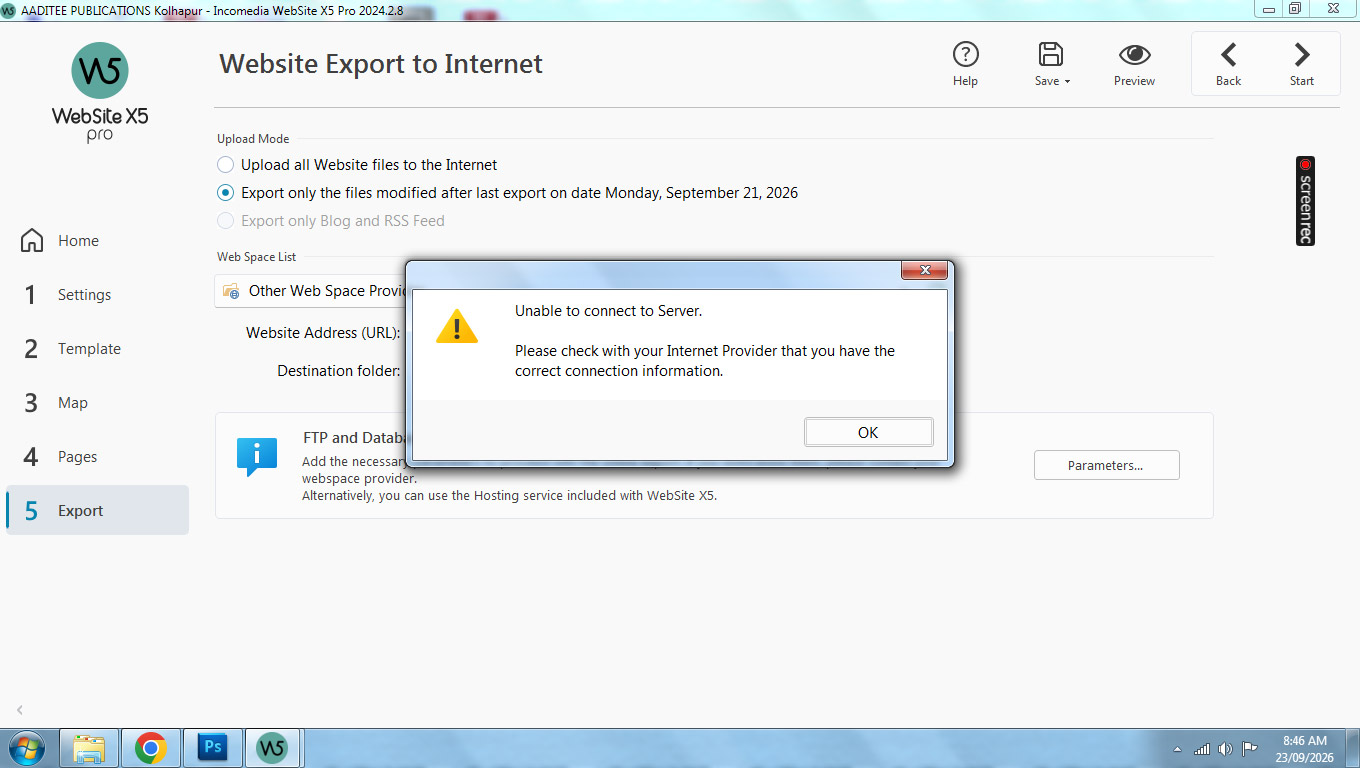
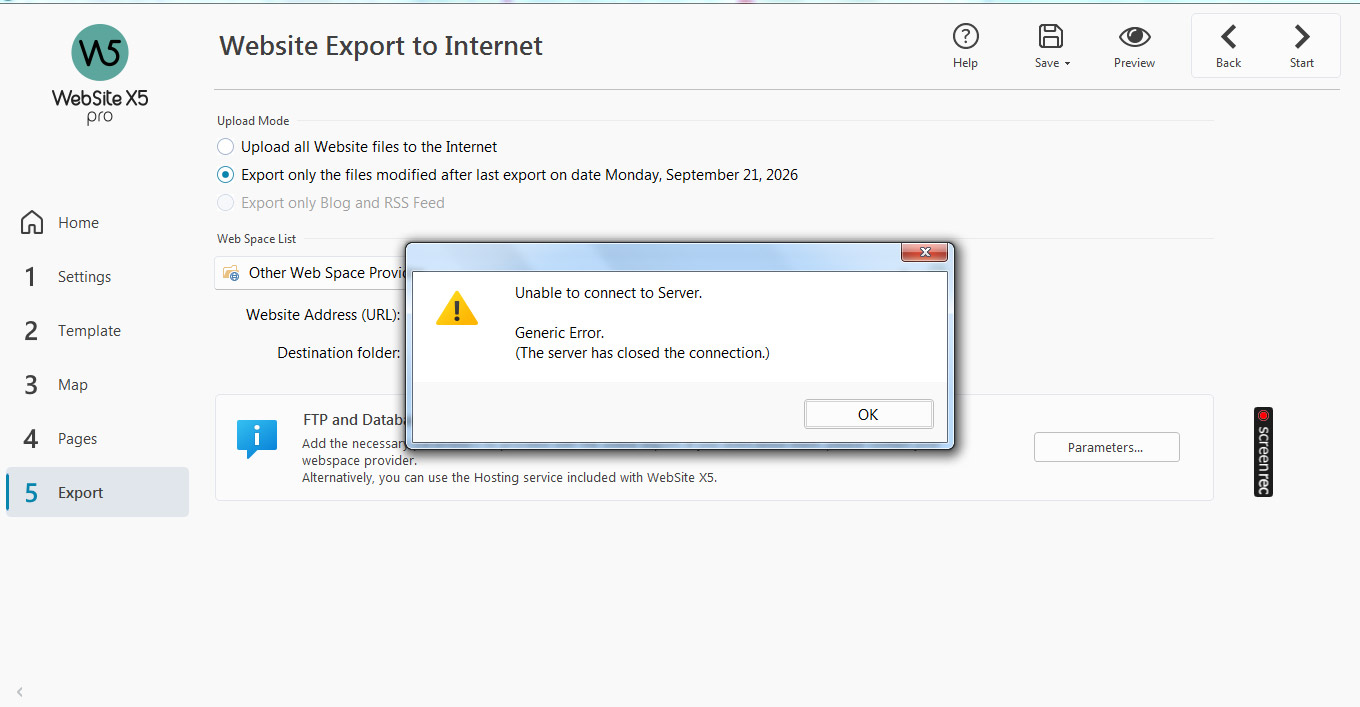
Facing a strange issue in case of many websites. When I update the site ant try to export it to internet, these messages arrear and export fails.
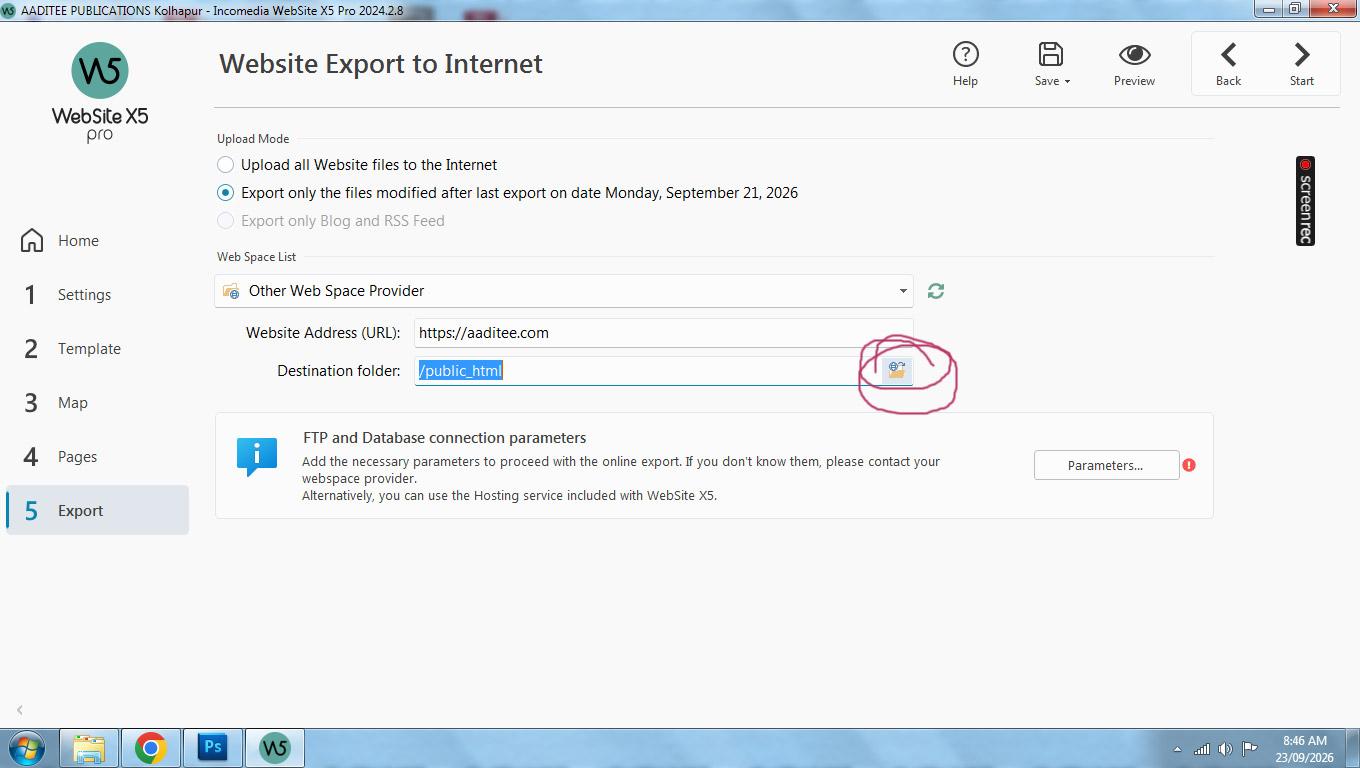
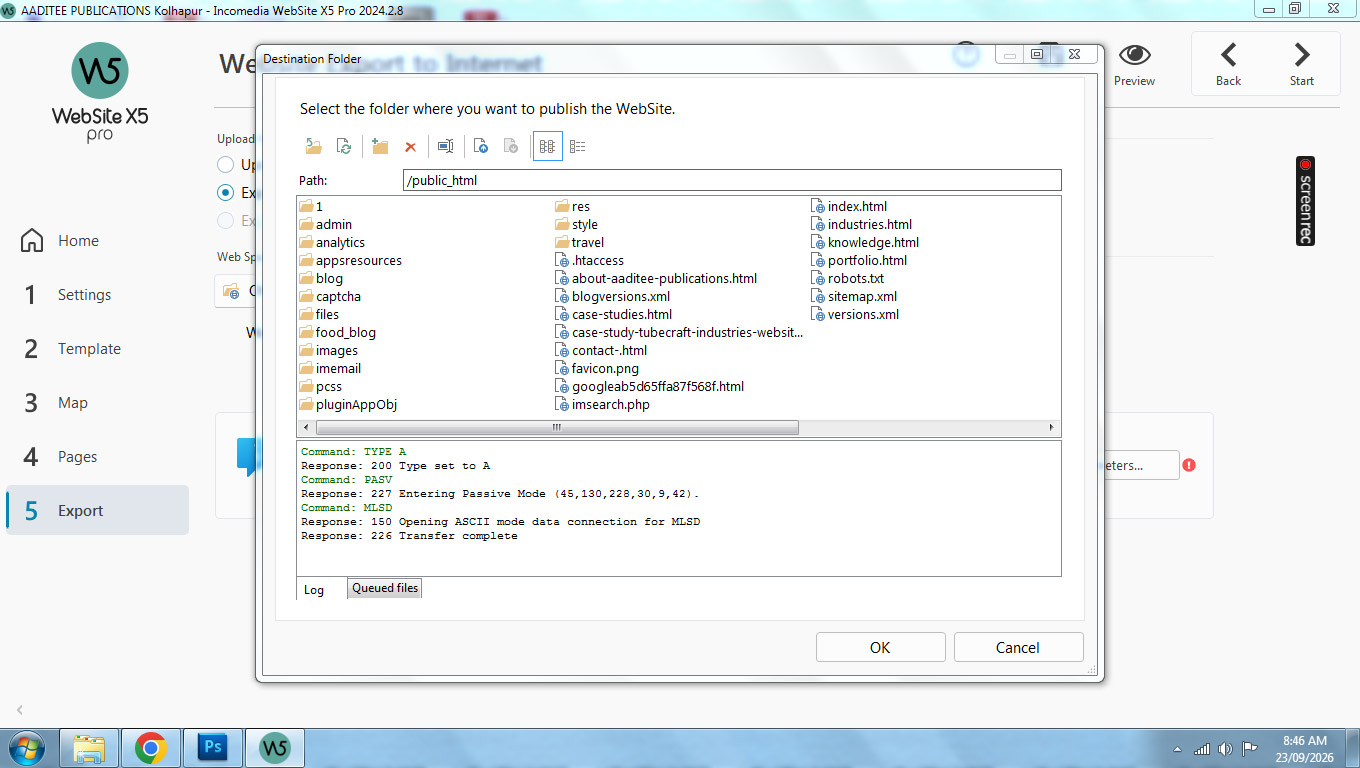
But when I click to access the public html folder by clicking, it opens properly.
What to do?
Addached screenshots for your kind consideration.
This is a message when I tru to export to internet.
This is where I click and access public html folder
This is after accessing public htmp folder
& this is when I try to export website to internet.
SOS
Posté le
Hello Mandar,
have you already contacted your provider about this, or checked whether the connection is successful if you use an external FTP tool, for example FileZilla?
If you cannot test this, I can do this on your behalf if you provide a copy of the project.
You can export it in Step 5 - Export, choosing the “Export the project” option to generate an IWZIP file, making sure not to use the options to include backup and preview files so that the size of the file is reduced.
You can then upload the file with SwissTransfer, TransferNow or similar services, and provide a download link to support @ incomedia.eu (without the spaces).
Thank you.
Auteur
Such strange messages appears every time, but unable to update website to the server.
Auteur
Hello Eric C.
I'm use to to this attitude from you and from my service provider as well. Both of you point to each other and I suffer.
Not surprising at all.
Hello Mandar,
it is standard for me to ask about whether you have contacted your hosting provider, as you are using a third party hosting space, meaning that we do not have any way to check for potential errors directly.
Information from them can be useful to identify the issue.
Have you checked whether the connection is successful if you use an external FTP tool, for example FileZilla?
If you cannot test this, I can do this on your behalf if you provide a copy of the project.
You can export it in Step 5 - Export, choosing the “Export the project” option to generate an IWZIP file, making sure not to use the options to include backup and preview files so that the size of the file is reduced.
You can then upload the file with SwissTransfer, TransferNow or similar services, and provide a download link to support @ incomedia.eu (without the spaces).
Thank you.
I am with GoDaddy, and had to point to a new FTP address to get it going again. Questions as why did it work in the past, and not any longer are familiar and common.
under paramters, a general gateway FTP had to be replaced by an IP number, still using FTP