
Homepage errors 
Autor: Raoul R.
Visited 716,
Followers 1,
Udostępniony 0
Always risky, to praise bug solved. There is a catch, also this time.
Home page gives error, english and dutch version, seems to be browser related, does not replicate all the times the same. Fact is: https://www.clubtaxi.nl/ is unstable, while the https://www.clubtaxi.nl/index.php is, or seems to be stable.
Tried to fully upload all files, but error remains occuring
Posted on the
Autor
same happens with /en/
Autor
www.clubtaxi.nl/en/index.php and www.clubtaxi.nl/index.php are OK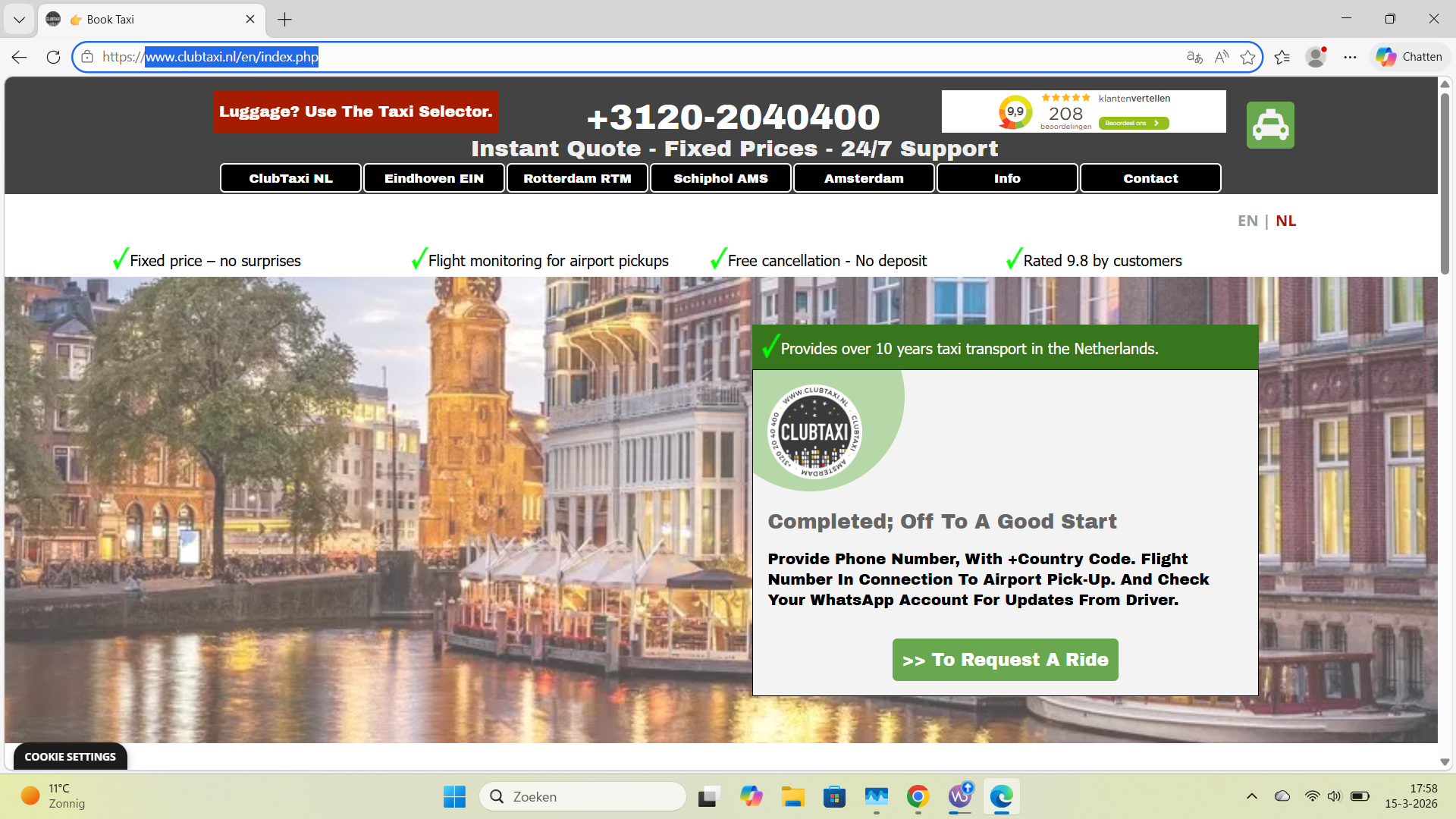
Autor
and with mobile devices all sorts of distortions, like long blanks before the fold...
Autor
Like this
Autor
I deleted cache from device (mobile & PC) on which the distortions show, without result. Other devices show no problem on same browser (Chrome). Google browser seems to give solid results on all devices, Chrome and Edge presenting hick-ups
Autor
I updated with links to index.php, removed all history from devices, and I seem to get better results. But people revisiting the site will have issues is my best guess. fyi
The homepage is available under 4 different file names:
Maybe set it to 1 and delete the 3 others on the web server.
Since I don't have a smartphone to test with, I can't write anything about these problems.
Autor
yes I understand all that, but I cannot jump into the canonical coding etc without thinking about the possible consequences. Plus it could create more unintended effects, since there have been duplicates. But main point is, it concerns all users, when a full upload tackles the issue, users need to know. Not?
Autor
to be clear: I connect the issue to the latest update
Autor
I can only find 2 versions on server, but it might be me or different setting
My website and 2 test sites show no problems with an empty area on the homepage after the update.
Autor
good for you
Hello Raoul,
there should not be multiple files corresponding to the homepage on your hosting space.
Unless you are using an Entry page, only index.html or index.php (if it has contents requiring it to be php) should be present.
Please check the properties of the homepage in Step 3 and make sure the option to give its file a custom name is disabled.
I would then recommend deleting index.html, index.php, home.html and home.php from the hosting space and re-upload the website so that only the right file will be present in the web space.
I remain available.
Autor
yes Eric, I did something bit more drastic with the same effect, delete site and upload :) and again, I thought sharing was key here. After changes I take all the devices in and around the house, the car, and it was therein I got first sign of issues. while other devices showed no issues, others did with use of some browsers.
i am up and running again, thanks