
Upload error - shifting part of page to offscreen 
Autor: Ross P.
Visited 602,
Followers 1,
Udostępniony 0
Hello
I have just done an update, to this website https://passengersandco.co.nz/ from the version current 6 months ago, to the code area of the menus. What has happened when uploaded one area of the menu and some other objects have shifted to outside the screen, as per my image
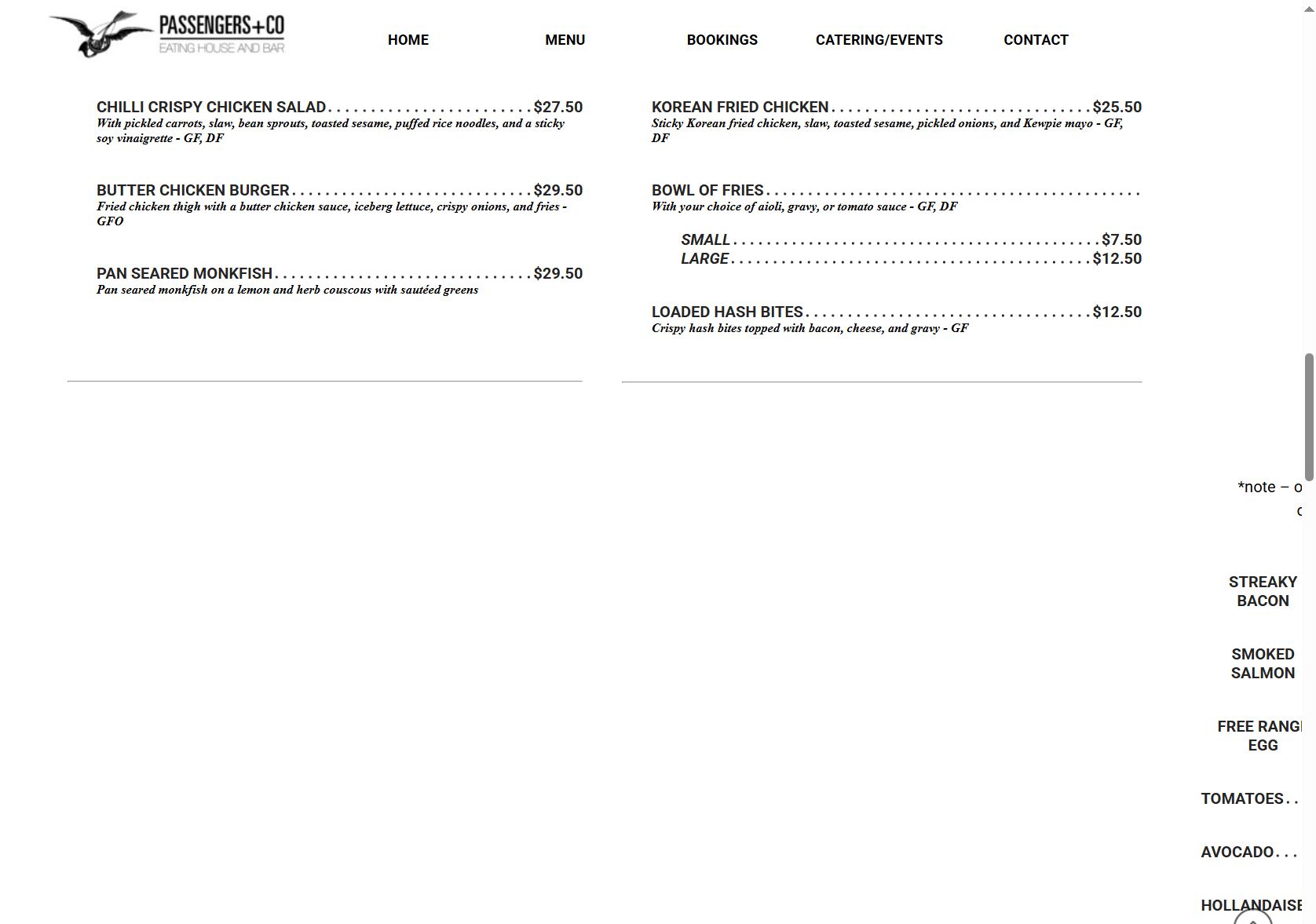
I have re-uploaded the whole site and cleared my cache but the error still shows.
I have also noticed when I go to the Responsive settings there is an extra section on the left which I think might be causing the problem but I don't know how it got there or how to get rid of it as it does not shown the page creation?
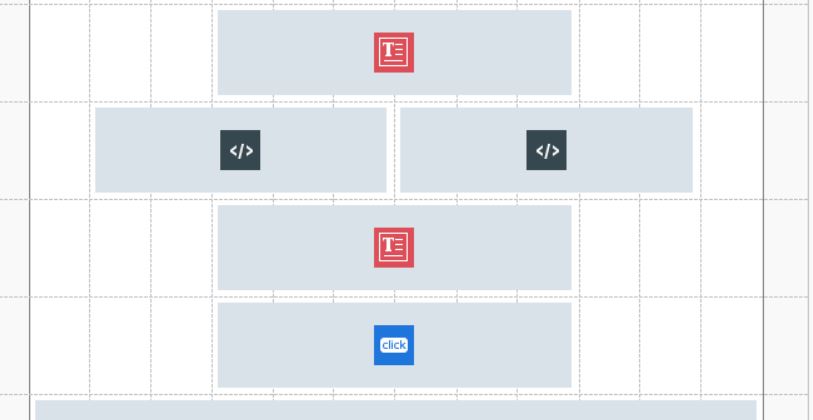
Responsive page image attached showing this area.
Any Help/suggestions will be extremely helpful please!
Thanks
Ross
Posted on the
Maybe first fill the many empty grid cells with empty HTML objects.
Then, while holding down the left Ctrl key, click on “Preview” at the top and wait until the progress bar at the bottom has run all the way through.
Then carry out a complete export of the website to the Internet.
Finally, request the files from the web server again in the browser using the key combination Ctrl + F5.
If the error still exists, then wait for the Incomedia employees.
Autor
Thanks Daniel for your support.
I finally found the problem and it was a bit of code I had inserted incorrectly.
Kins regards
Ross